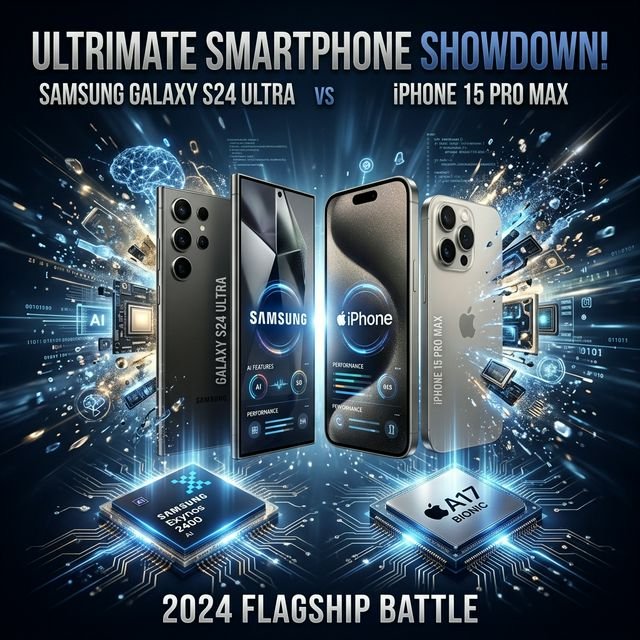

I’ve been using the latest S26 Ultra and the iPhone 17 Pro side-by-side for two weeks. Everyone is talking about their AI features, but let’s be real—most of it is just marketing for stuff we already had. I’m breaking down what’s actually useful and what’s just a gimmick designed to make you spend two grand on a new slab of glass.
Specs vs. Reality: The AI Showdown
| Feature | Galaxy AI (2026) | Apple Intelligence 2.0 |
|---|---|---|
| AI Photo Editing | Generative Fill is scary good | Better colors, less “fake” feel |
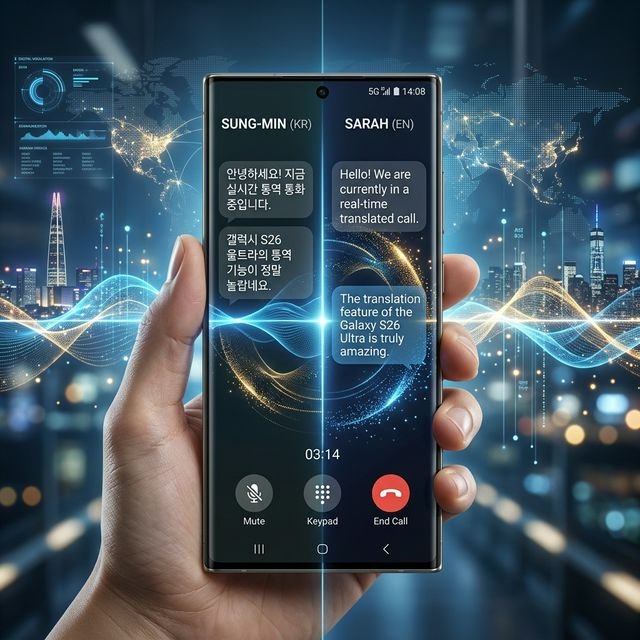
| Live Translation | Works offline, zero lag | Needs internet for complex stuff |
| Assistant | Bixby AI is finally useful | Siri actually knows who you are |
| Writing Tools | Aggressive rewriting | Subtle, helpful tweaks |
AI Photo Editing: Fixed or Fake?
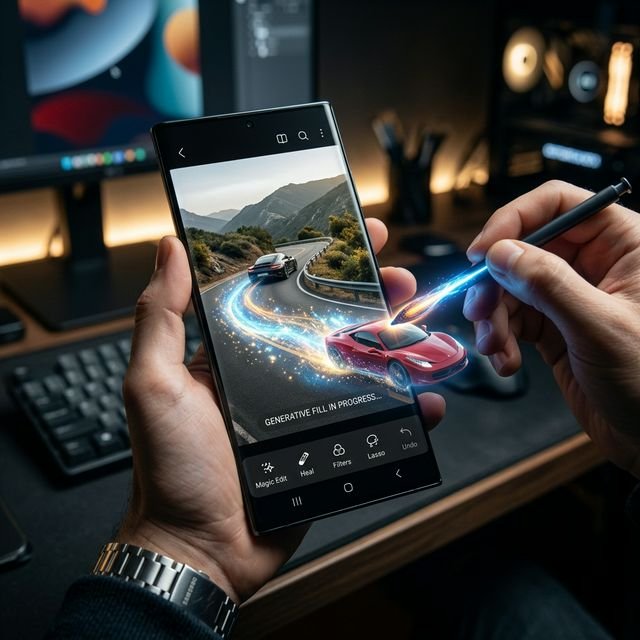
The S26 Ultra’s generative edit is like having a tiny Photoshop pro in your pocket. I took a photo of a crowded beach and basically deleted everyone I didn’t like. It filled in the gaps with terrifying accuracy. But here’s the catch—sometimes it adds stuff that wasn’t there, like an extra seagull or a weirdly shaped rock. It feels a bit like cheating at reality. Apple, on the other hand, keeps things more grounded. It’ll fix your lighting and remove a stray trash can, but it won’t let you rewrite history.
Siri vs. Bixby: The Battle for Your Sanity
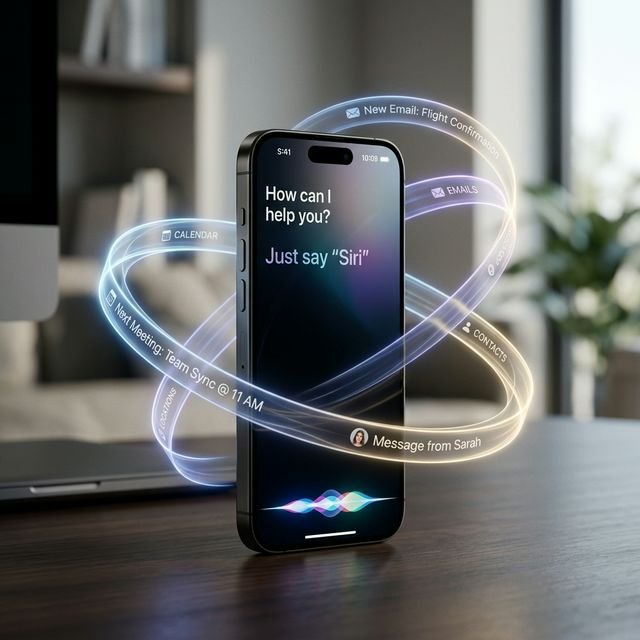
I never thought I’d say this, but Bixby is actually good now. Samsung finally ditched the old scripts and let a proper LLM take over. I can tell it “Hey Bixby, find that photo of the receipt from last Tuesday and send it to my accountant,” and it just does it. No questions asked. Siri 2.0 is more about context. It knows I have a meeting at 2 PM, so it automatically silences my notifications and suggests I leave early because of traffic. It feels more like a personal assistant and less like a search bar you talk to.
Battery Drain: Does AI Kill Your Phone?
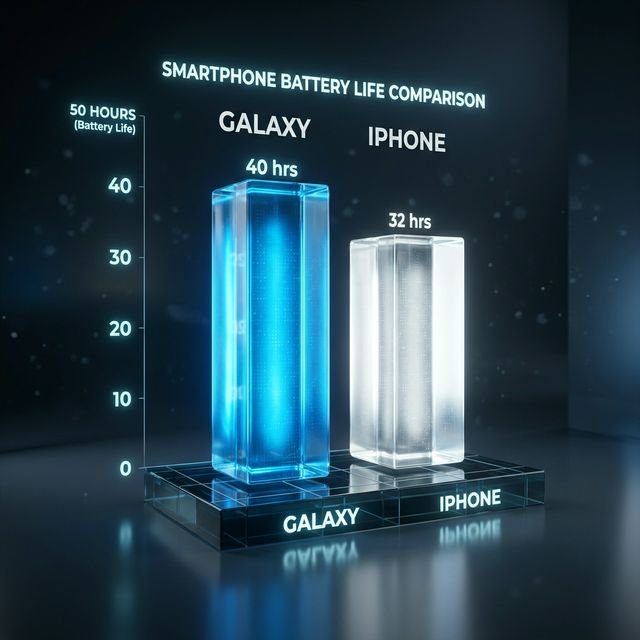
This was my biggest worry. Running these massive models locally has to take a toll, right? My real-world test showed that the S26 Ultra takes a bigger hit. On days when I used the live translation and generative editing heavily, I was looking for a charger by 7 PM. The iPhone 17 Pro managed to last until my bedtime, likely because Apple is being a bit more conservative with how much work the AI is doing in the background. If you’re a power user, that extra hour of juice matters.
Final Verdict: Which One Should You Buy?
If you’re a student or someone who loves to tinker and push the limits of what a phone can do, go with the Galaxy S26 Ultra. The AI features are more visible, more powerful, and honestly, more fun. You’ll find yourself using the Generative Fill and Live Translate every single day. It feels like a tool from the future.
But if you’re a professional who just wants their phone to work in the background without being a distraction, the iPhone 17 Pro is the way to go. Apple Intelligence 2.0 is more about making your life easier in subtle ways—better notifications, smarter search, and a battery that actually lasts. It may not have the wow factor of Samsung, but it’s the more reliable partner at the end of a long day.
Frequently Asked Questions (FAQs)
Do I have to pay for these AI features?
For now, both are included in the price of the phone. But rumors are swirling that Samsung might start charging a subscription fee for the “Pro” generative features by 2027. Apple seems committed to keeping it free for iCloud+ subscribers.
Is my data private?
Apple processes almost everything on-device, which is great for privacy. Samsung uses a hybrid model—some stuff is local, but the heavy generative lifting happens in the cloud. Check your settings if you’re paranoid about your photos leaving your phone.
Which phone has the better AI camera?
Samsung wins on raw generative power, but Apple still has the edge on natural-looking video. If you want to create art, get the Samsung. If you want to record memories, get the iPhone.