I used to have 50 tabs open and feel overwhelmed by information. Then I installed these 5 AI Chrome extensions, and suddenly, my browser became an autonomous assistant. From summarizing 1-hour videos in 10 seconds to helping me write perfect emails—these are the tools you can’t live without in 2026.
| Extension Name | Best Feature | Productivity Boost |
|---|---|---|
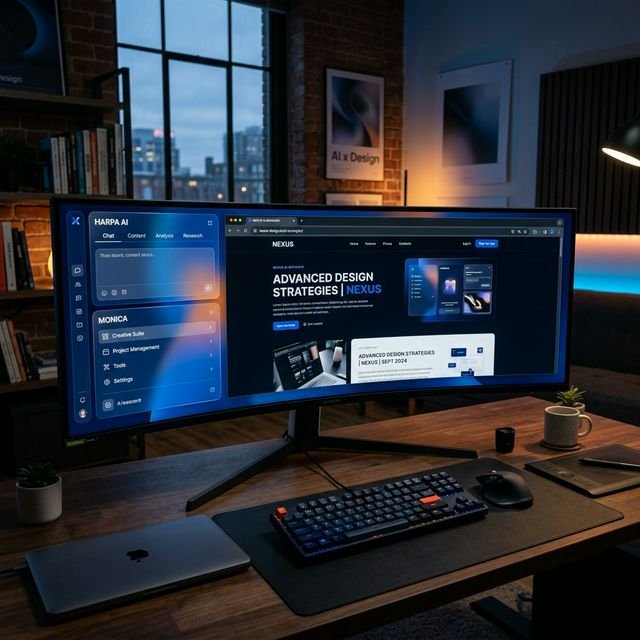
| Harpa AI | Website Monitoring & Automation | 95% |
| Perplexity Companion | Instant Semantic Search | 90% |
| Monica | Multimodal Chat Sidebar | 85% |
| Merlin | One-click Email/Social Replies | 80% |
| SciSpace | Research Paper Simplifier | 75% |
1. Harpa AI: The Web Monitor You Didn’t Know You Needed
Harpa AI isn’t just an extension; it’s a robotic process automation (RPA) tool living inside your browser. It can monitor price drops, track changes on competitor websites, and even extract structured data from any page without you lifting a finger. In 2026, it has incorporated deep neural reasoning, so you can tell it to “summarize the news from these 5 tabs and email me the highlights every morning.”

2. Perplexity Companion: The End of “Ctrl+F”
Why search for keywords when you can search for concepts? The Perplexity Companion allows you to ask questions about the page you are on. If you are reading a 50-page technical manual, you can just ask, “What are the three main safety requirements for the motor?” and it will find them instantly with citations. It makes Google Search feel like a calculator in a world of supercomputers.
3. Monica: Your Multimodal Copilot
Monica has evolved into the ultimate glassmorphic sidebar. Whether you need to generate an image from a text snippet on a blog or translate a Japanese PDF on the fly, Monica handles it with GPT-4o and Claude 3.5 levels of intelligence. It’s like having a team of experts sitting in the corner of your screen.
4. Merlin: The Social Ghostwriter
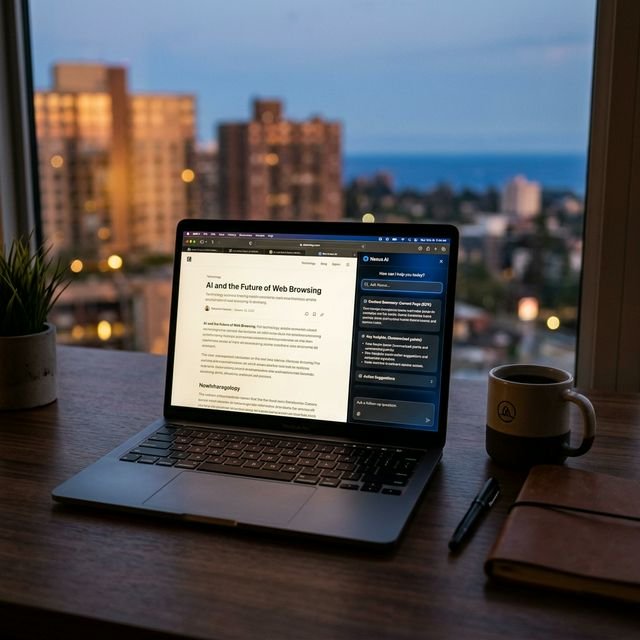
Merlin is the secret weapon for anyone who spends too much time on LinkedIn, Gmail, or X. It analyzes the tone of the conversation and generates perfect, 2026-style professional replies in one click. It doesn’t just “complete” your sentence; it understands the social subtext and helps you negotiate, network, and close deals faster.
5. SciSpace: The BS Detector for Research
Ever tried to read a medical study and got lost in the jargon? SciSpace simplifies complex academic papers into plain English. You can highlight a table of data and ask, “What does this actually mean for a regular person?” and it will give you a blunt, accurate explanation. It’s the ultimate tool for staying truly informed in an era of information overload.

Privacy Risks: Don’t Let Them See Everything
Wait, there’s a catch. Many AI extensions effectively “see” everything you do on the web. In 2026, the best practice is to use extensions that offer **Local Processing** or have a strong **Privacy Manifesto**. Never use an AI extension on banking sites or when handling sensitive company internal data. Use a separate browser profile for your “AI Work” and your “Private Browsing.”
My Personal Verdict
The final verdict? If you can only install one, make it **Harpa AI**. Its combination of web automation and reasoning models makes it a force multiplier that literally gives you hours of your life back elke dag. The browser isn’t just a window anymore; it’s an employee.
Are these extensions free?
Most offer a generous free tier, but power users will likely want the Pro versions for higher token limits and faster reasoning models.
Do they work on Safari or Brave?
All 5 extensions are primarily built for Chromium (Chrome, Brave, Edge). Safari support is growing but still lags behind in terms of automation features.
Will these slow down my browser?
In 2026, extensions are more efficient than ever, but having all 5 active on a low-end laptop will impact performance. Aim for at least 32GB of RAM for a smooth AI-augmented workflow.