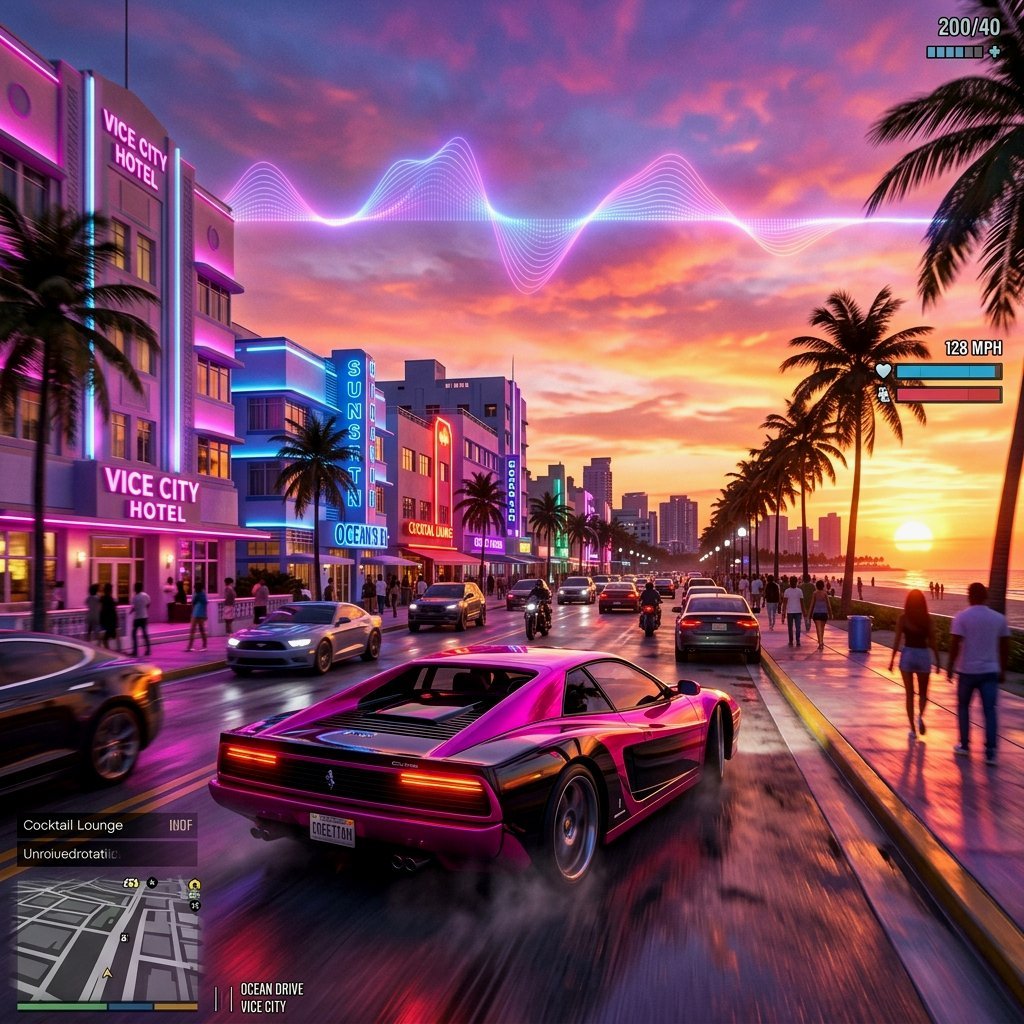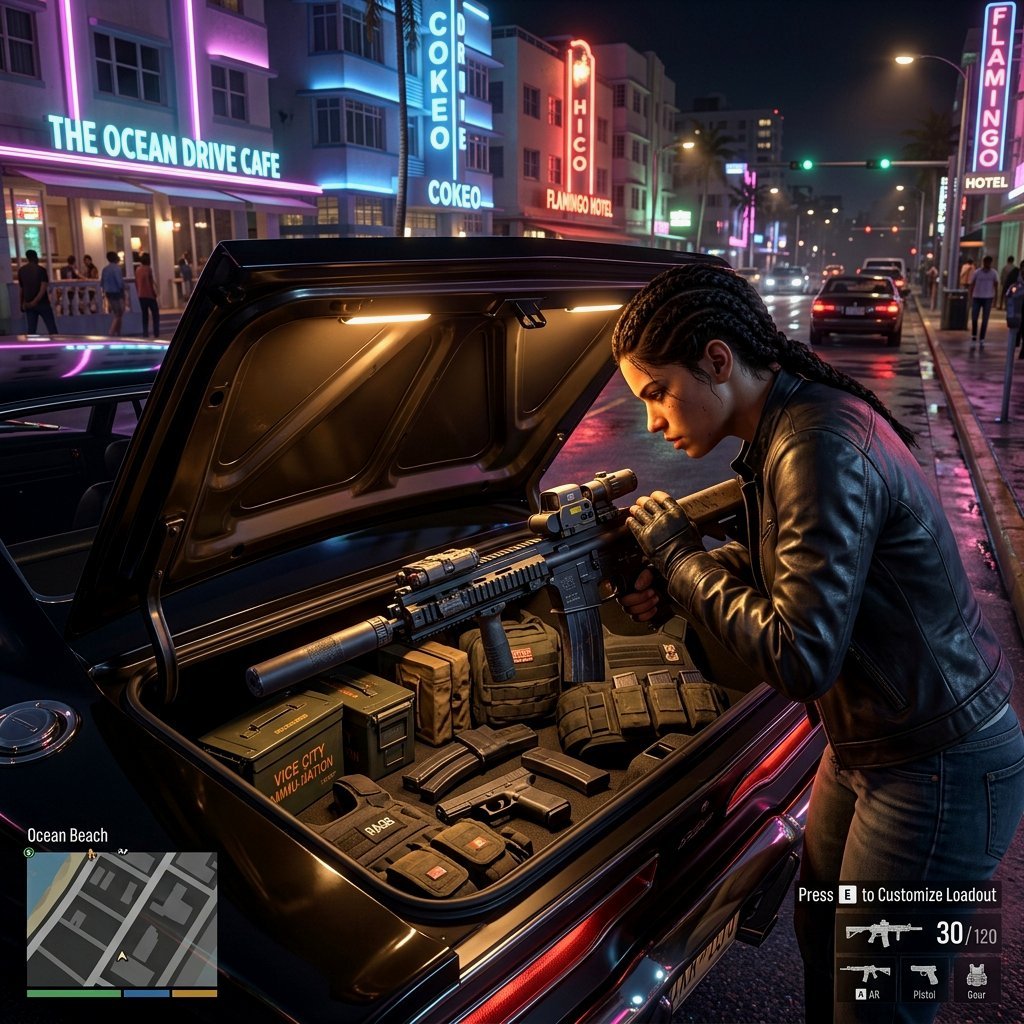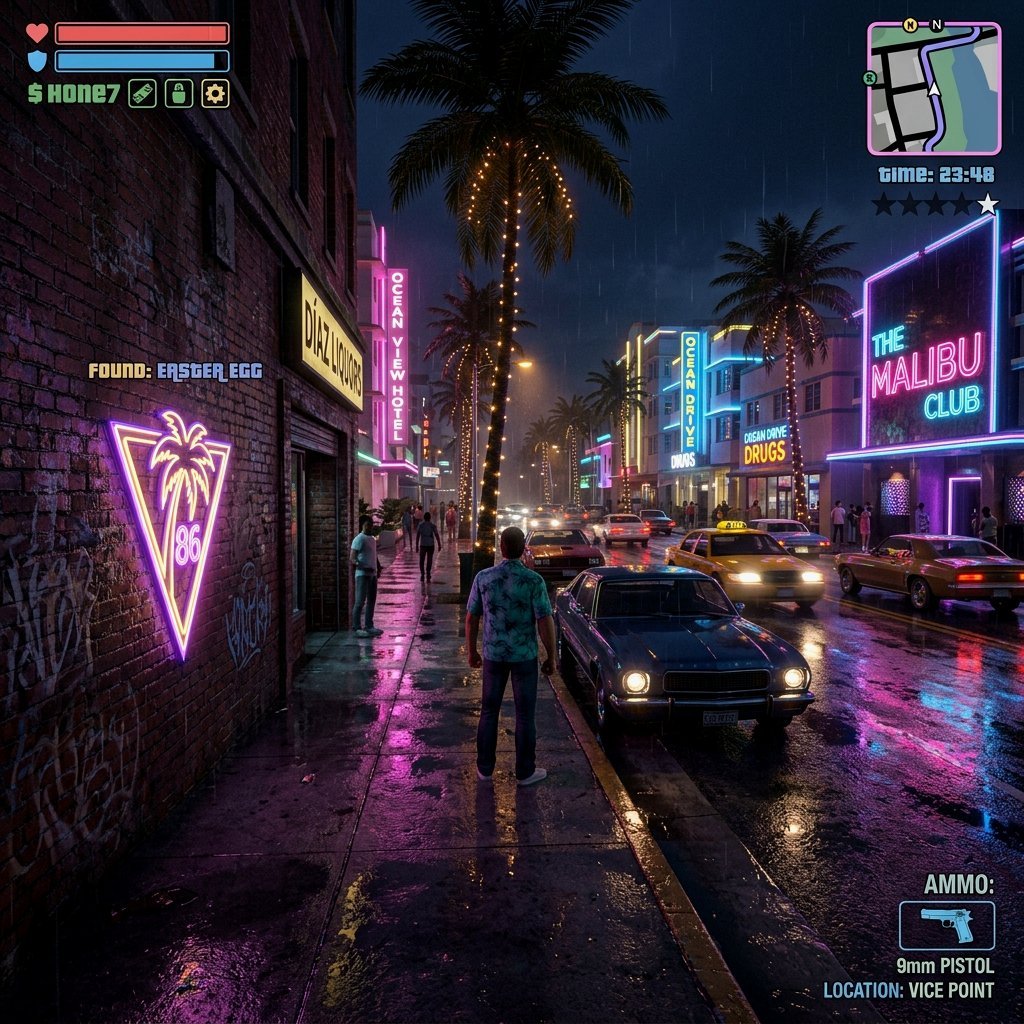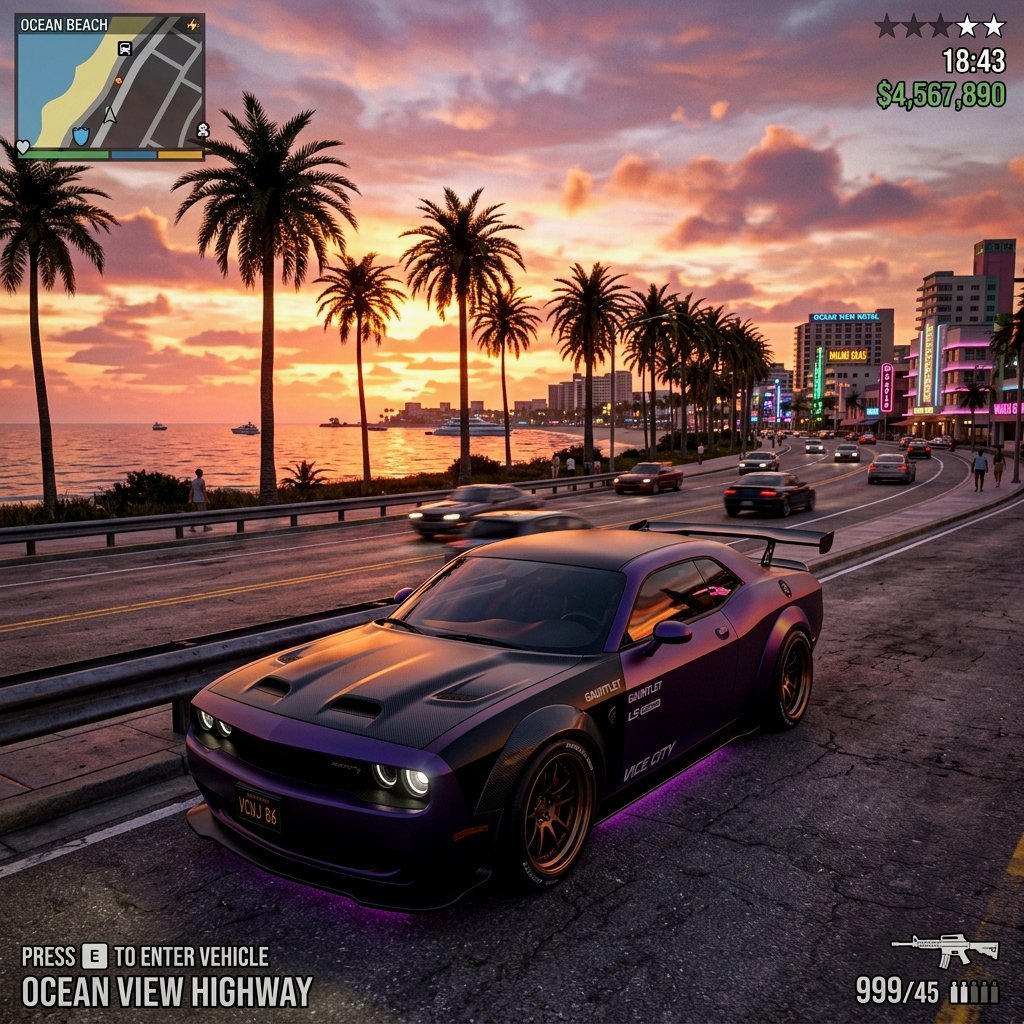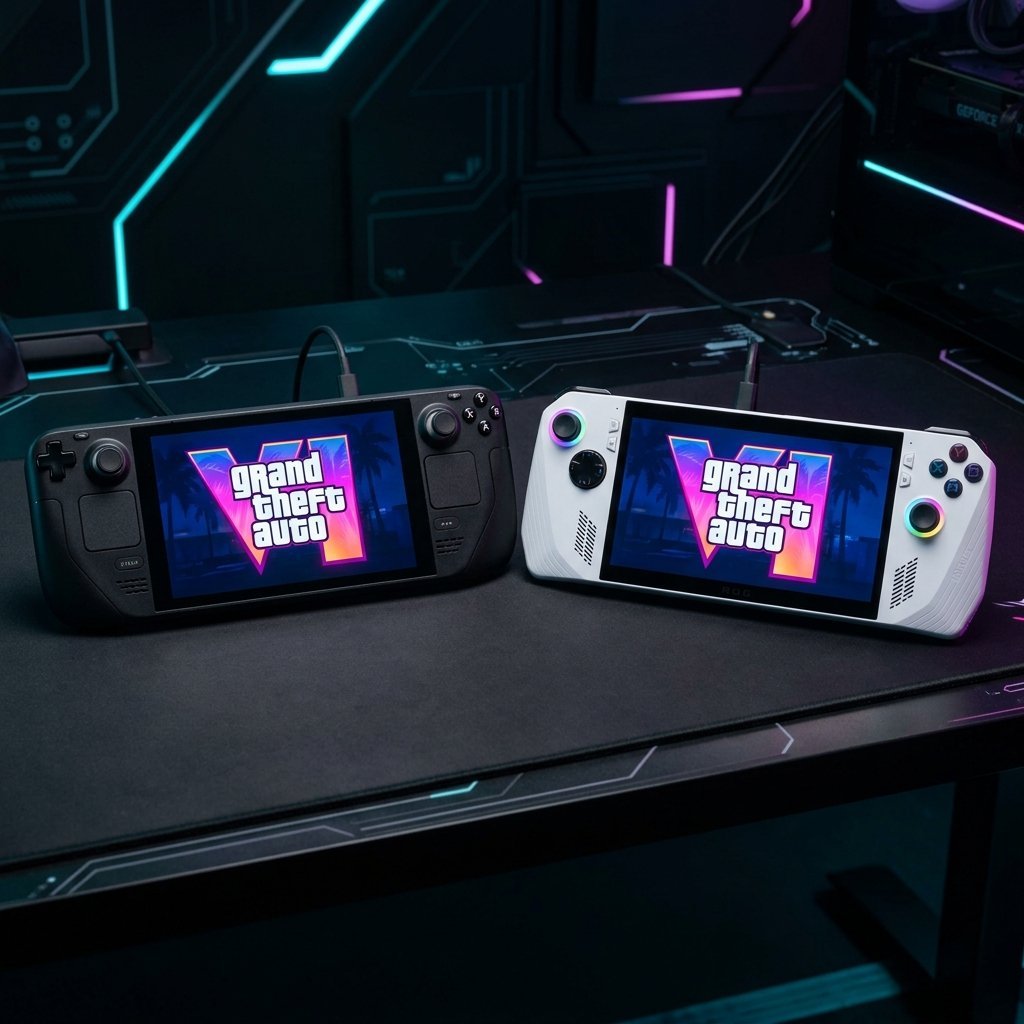

Will GTA 6 Run on Steam Deck & ROG Ally? Handheld Performance Projections
Handheld gaming PCs have taken the gaming world by storm. Devices like the Steam Deck, ASUS ROG Ally, and Lenovo Legion Go have proven that you can play modern AAA games right in the palm of your hand. But with Rockstar Games preparing to release Grand Theft Auto VI (GTA 6)—a game designed exclusively for next-gen hardware boundaries—handheld players are asking one critical question: Will GTA 6 be playable on handheld PCs?
GTA 6 runs on Rockstar’s highly upgraded RAGE 9 engine, featuring dynamic global illumination, heavy crowd AI, and high-fidelity physics simulations. In this detailed analysis, we break down the hardware challenges, APU specifications, and software upscaling techniques to project how GTA 6 will perform on portable devices.
1. The Hardware Bottleneck: Shared Memory & Power Limits
Unlike desktop gaming PCs where the CPU and GPU have dedicated memory (RAM and VRAM), handheld PCs utilize **Accelerated Processing Units (APUs)**. This means the system RAM is shared dynamically between processing and graphics tasks.
🔍 The VRAM Challenge: Both the Steam Deck and ROG Ally feature 16GB of shared memory. In next-gen games like Alan Wake 2, allocating enough VRAM while keeping enough system RAM free for background scripts is a constant struggle. GTA 6’s heavy NPC and traffic density will push this shared memory architecture to its absolute limit.
2. Steam Deck vs. ROG Ally: Performance Projections
Steam Deck (The 15W Power Efficiency King)
The Steam Deck uses a custom AMD APU built on older Zen 2 CPU and RDNA 2 GPU architectures. While it is highly optimized, its raw compute power is equivalent to about 1.6 TFLOPS, which is significantly weaker than the PlayStation 5 console baseline.
For the Steam Deck, achieving a stable 30 FPS will require running the game at its native 800p resolution, with settings set to Low, and utilizing heavy FSR 3.0 upscaling. If you prefer a seamless 60 FPS console experience on day one, playing on a dedicated PlayStation 5 is the recommended choice.
ASUS ROG Ally (The Raw Speed Challenger)
The ROG Ally features AMD’s newer Ryzen Z1 Extreme APU built on Zen 4 and RDNA 3 architectures. It can pull up to 30W of power in Turbo mode, delivering up to 8.6 TFLOPS of theoretical GPU performance.
This generational upgrade gives the ROG Ally a much better chance of running GTA 6 smoothly. At 720p/1080p resolutions, using AMD Fluid Motion Frames (AFMF) or FSR Frame Generation, the ROG Ally could hit a playable 40-50 FPS on Medium settings, though battery life will likely be limited to under an hour.
—3. Storage is Key: Handling Next-Gen Asset Loading
Handheld users often install games on MicroSD cards to save space. However, GTA 6’s massive map size and active asset streaming will make mechanical card speeds too slow. To run the game without severe loading pauses, installing it on a high-speed internal M.2 NVMe SSD is mandatory.
💡 Storage Upgrade Tip: Upgrading your handheld PC’s internal SSD to a high-speed Gen 4 drive is the best way to future-proof your device. Desktop players planning their build should also consider a premium NVMe drive like the Samsung 980 Pro to maintain high data transfer rates.
Frequently Asked Questions (FAQs)
Q: Will GTA 6 be Steam Deck Verified on launch day?
It is unlikely. Because the PC port will launch later than the console version, official Valve verification will only happen after the PC release is optimized and tested on SteamOS.
Q: Can I run GTA 6 on the ROG Ally without FSR?
Highly unlikely. Native rendering at 1080p will drop framerates below 20 FPS. Upscaling tools like AMD’s FSR will be mandatory to maintain playable performance.
Q: Should I upgrade my handheld’s RAM for GTA 6?
Standard handhelds have soldered RAM, meaning you cannot upgrade it manually. However, system utilities can help you allocate more shared memory specifically for VRAM.
Final Thoughts
While running GTA 6 on a handheld gaming PC will be a technical challenge, next-gen software upscaling tools will make portable play possible. Players should expect to run the game at lower settings with active upscaling, but the ability to take Vice City on the go will make the performance trade-offs worth it. Keep your handheld’s operating systems updated and monitor performance profiles as we get closer to launch day!