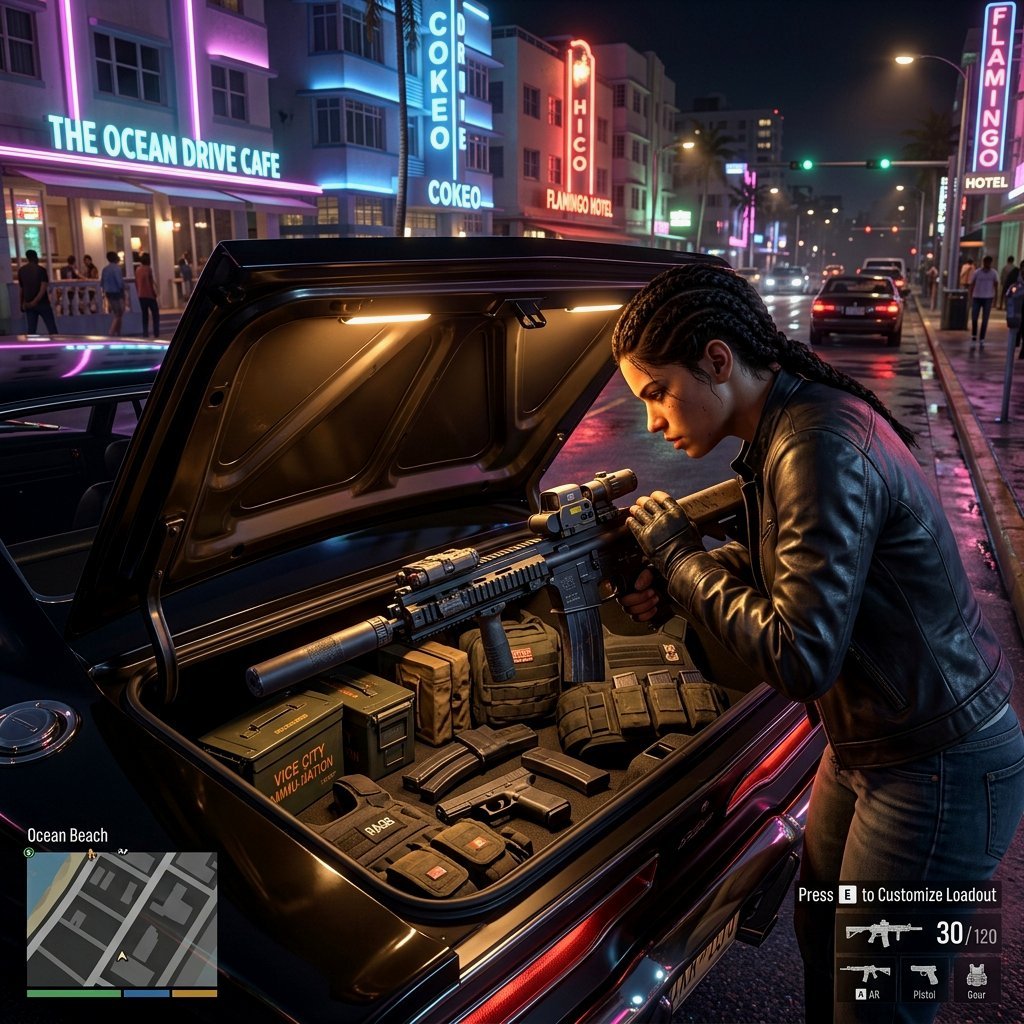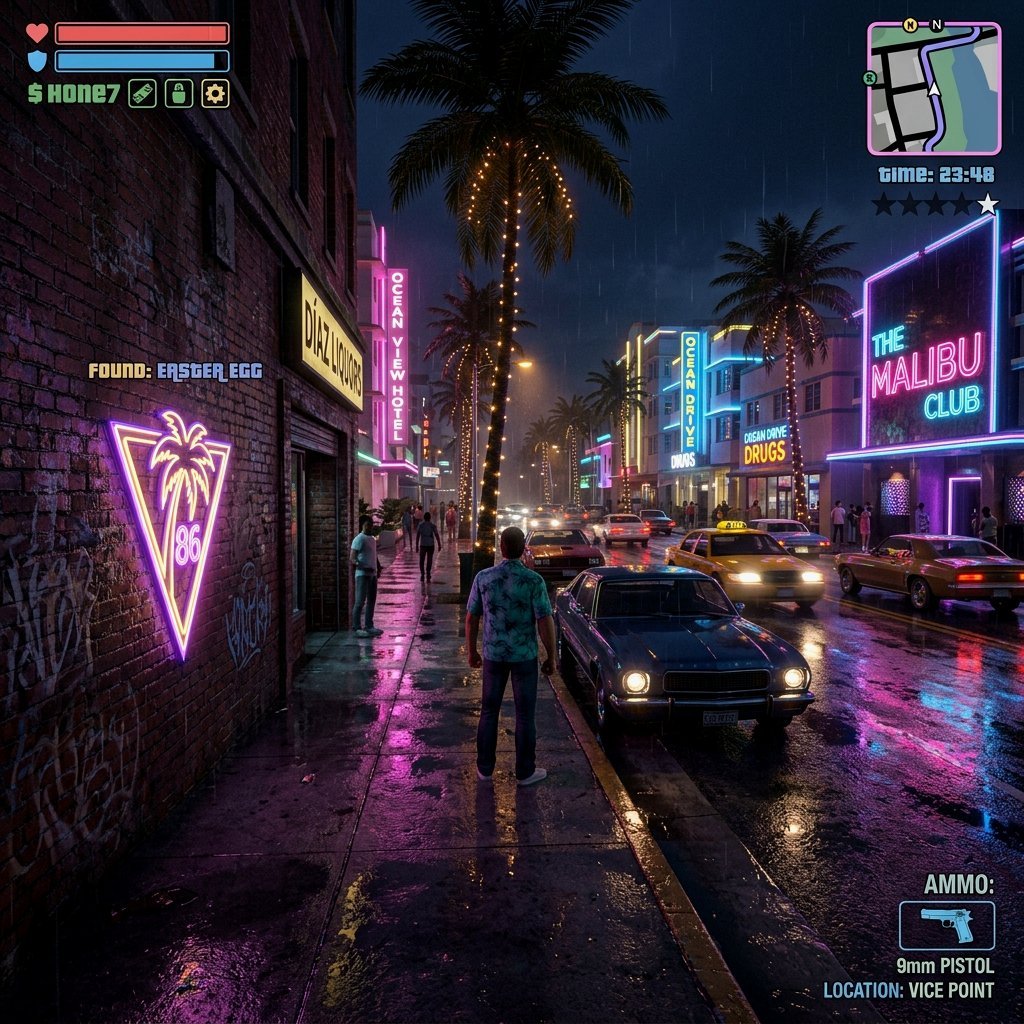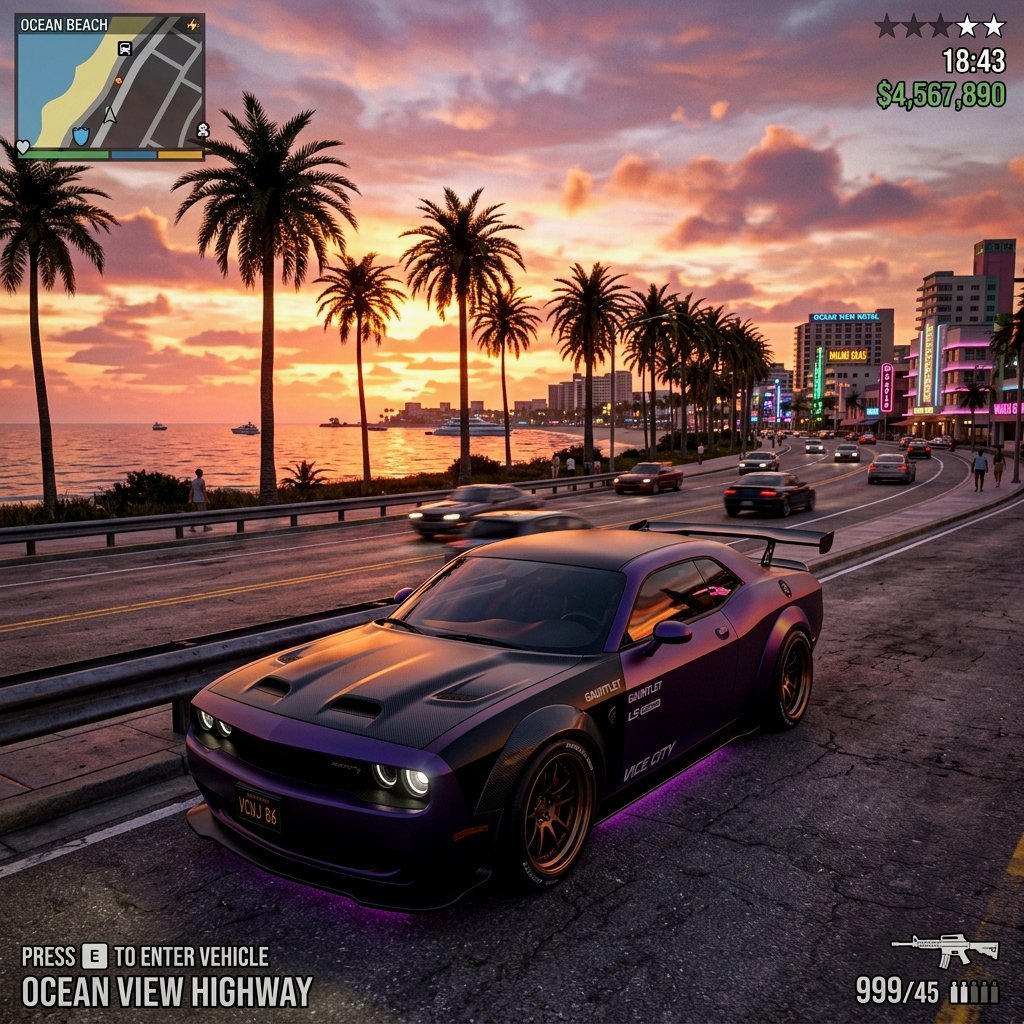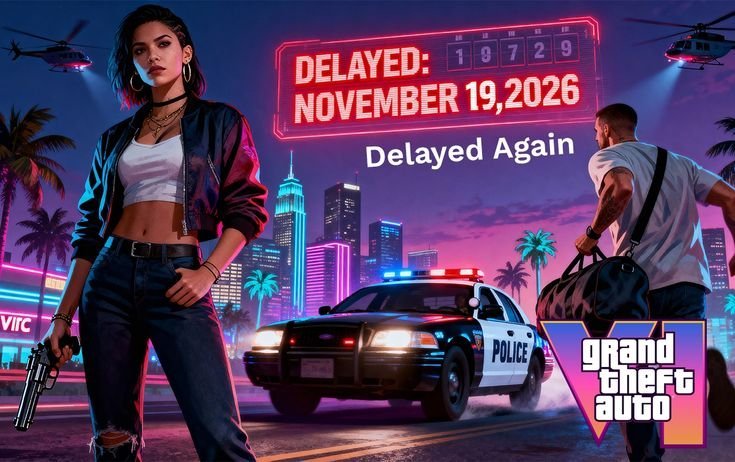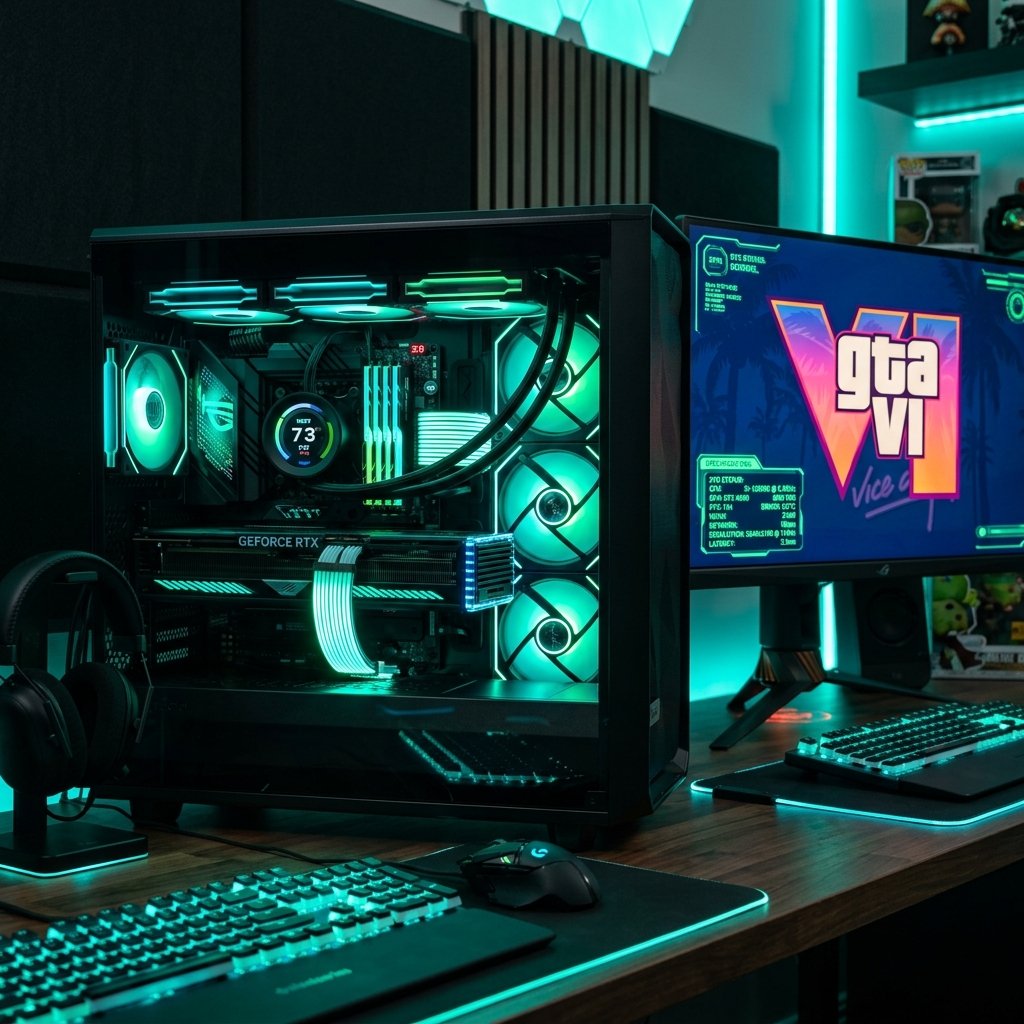

GTA 6 System Requirements: Is Your PC Ready for Vice City?
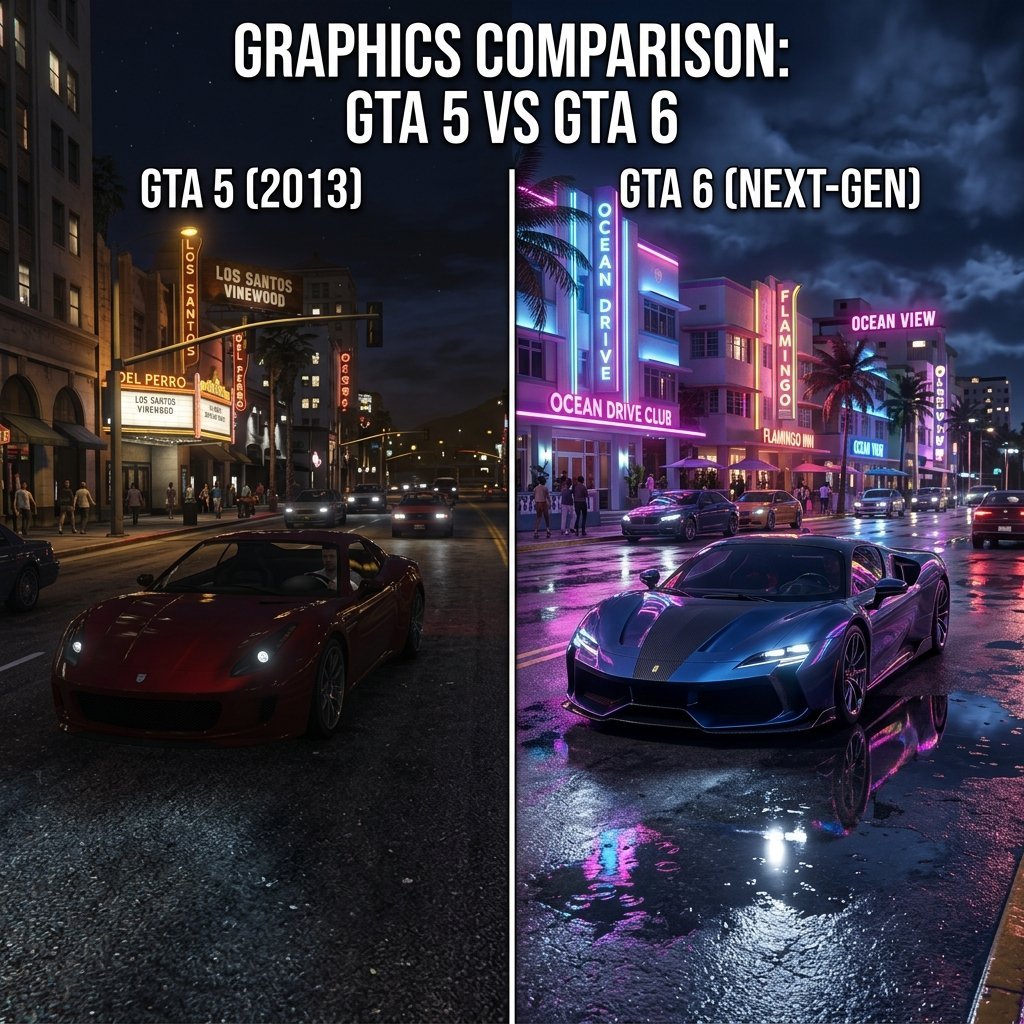
Ever since Rockstar Games released the official trailer for Grand Theft Auto 6 (GTA 6), PC gamers around the globe have been sweating over their system specs. The next-generation rendering engine RAGE 9 is pushing lighting, physics, and character AI to heights we have never seen before in an open-world sandbox game.
If you plan to play GTA 6 on PC, it’s time to take a close look at your components. In this guide, we break down the projected system requirements, compare the main CPU and GPU choices, and look at the storage and memory benchmarks needed to achieve a smooth 60 FPS experience.
1. Console vs. PC: The PlayStation 5 Baseline
Rockstar Games has confirmed that GTA 6 will launch first on consoles. This means the PlayStation 5 is the primary target development platform.
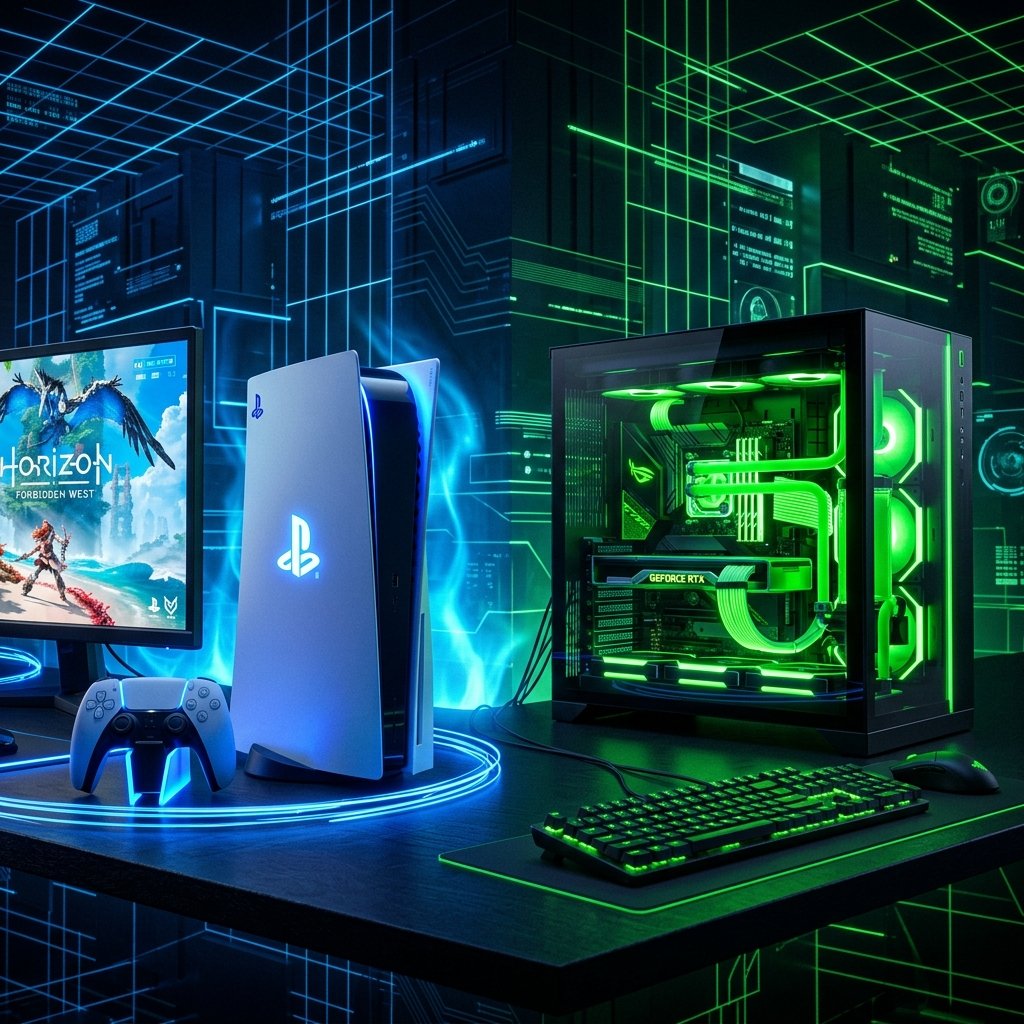
The console uses a custom AMD Zen 2 CPU and RDNA 2 GPU architecture. If you want to match the console-quality baseline on PC, you will need components that outperform these custom chips to offset the overhead of the Windows operating system. If you prefer a plug-and-play experience, getting a dedicated PlayStation 5 console is the easiest way to jump into Leonida on day one.
—2. Projected PC System Requirements
Based on extensive analysis of current-gen games, engine profiles, and hardware scaling, here are the detailed system requirement recommendations:
Minimum Requirements (1080p / 30 FPS Low-Medium)
- OS: Windows 10/11 (64-bit)
- Graphics Card: NVIDIA RTX 2060 or AMD RX 5700
- Processor: Intel Core i5-10400F or AMD Ryzen 5 3600
- Memory: 16 GB RAM
Recommended Requirements (1080p/1440p / 60 FPS High)
- OS: Windows 11 (64-bit)
- Graphics Card: NVIDIA RTX 4060 or AMD RX 6700 XT
- Processor: AMD Ryzen 7 5700X or Intel Intel Core i7-12700K
- Memory: Corsair Vengeance 32GB DDR4/DDR5 RAM
- Storage: Samsung 980 Pro NVMe SSD (150GB space)
3. Graphics Card Battle: RTX 3060 vs. RTX 4060
The mid-range GPU market is currently dominated by two cards: the RTX 3060 and the RTX 4060. How do they compare when loading a heavy city environment like Vice City?
- RTX 3060 (12GB VRAM): The extra memory headroom allows you to run high texture quality without hitting bottleneck limits. However, you will miss out on the latest frame generation features.
- RTX 4060 (8GB VRAM): The Ada Lovelace architecture provides a 15-20% raw performance boost and unlocks DLSS 3 Frame Generation. This will be critical for doubling your framerates in CPU-heavy urban areas.
For most users, both the RTX 3060 and the RTX 4060 will deliver a solid 1080p gaming experience, provided you utilize DLSS settings correctly.
—4. CPU Optimization: Feeding the Engine
GTA games are famously CPU-intensive due to active traffic, dense crowds, and background world scripts. If your processor bottleneck is too high, your graphics card will sit idle, causing huge FPS drops.
For a smooth experience, a modern 8-core CPU is highly recommended. On the AMD side, the Ryzen 7 5700X offers excellent budget gaming performance. If you are building an Intel-based system, the Intel Core i7-12700K provides excellent single-core speeds and multi-threading capabilities to prevent frame stuttering.
—5. RAM and Storage: The Real Performance Enhancers
Next-gen open-world assets load in real-time as you travel. If your system memory or storage speeds are too slow, you will experience severe micro-stuttering.
Upgrading to a high-speed memory kit like the Corsair Vengeance 32GB RAM is the easiest way to clean up performance. Additionally, installing the game on a high-speed Gen 4 SSD like the Samsung 980 Pro is mandatory to keep up with the asset streaming demands of the RAGE 9 engine.
—Frequently Asked Questions (FAQs)
Q: Will my RTX 3060 run GTA 6 at 1440p?
Yes, but you will need to set DLSS to “Balanced” or “Performance” mode and lower shadow and ray-tracing settings to maintain a stable 60 FPS.
Q: Is 16GB RAM enough for GTA 6?
While 16GB RAM is the minimum, 32GB is strongly recommended to handle active background applications, discord, and massive open-world rendering files.
Q: Can I run GTA 6 on an HDD?
No. HDDs do not have the read/write speeds necessary for next-gen asset streaming. Attempting to run the game on a mechanical drive will result in constant freezing, slow texture loading, and audio delay.
Conclusion: Prep Your Build Today
Preparing your PC for the biggest release of the decade doesn’t have to break the bank. Upgrading key components like moving to a fast SSD and securing 32GB of system RAM are cost-effective methods to ensure your rig is fully optimized. Keep your system drivers updated and monitor hardware performance trends as we edge closer to launch day!